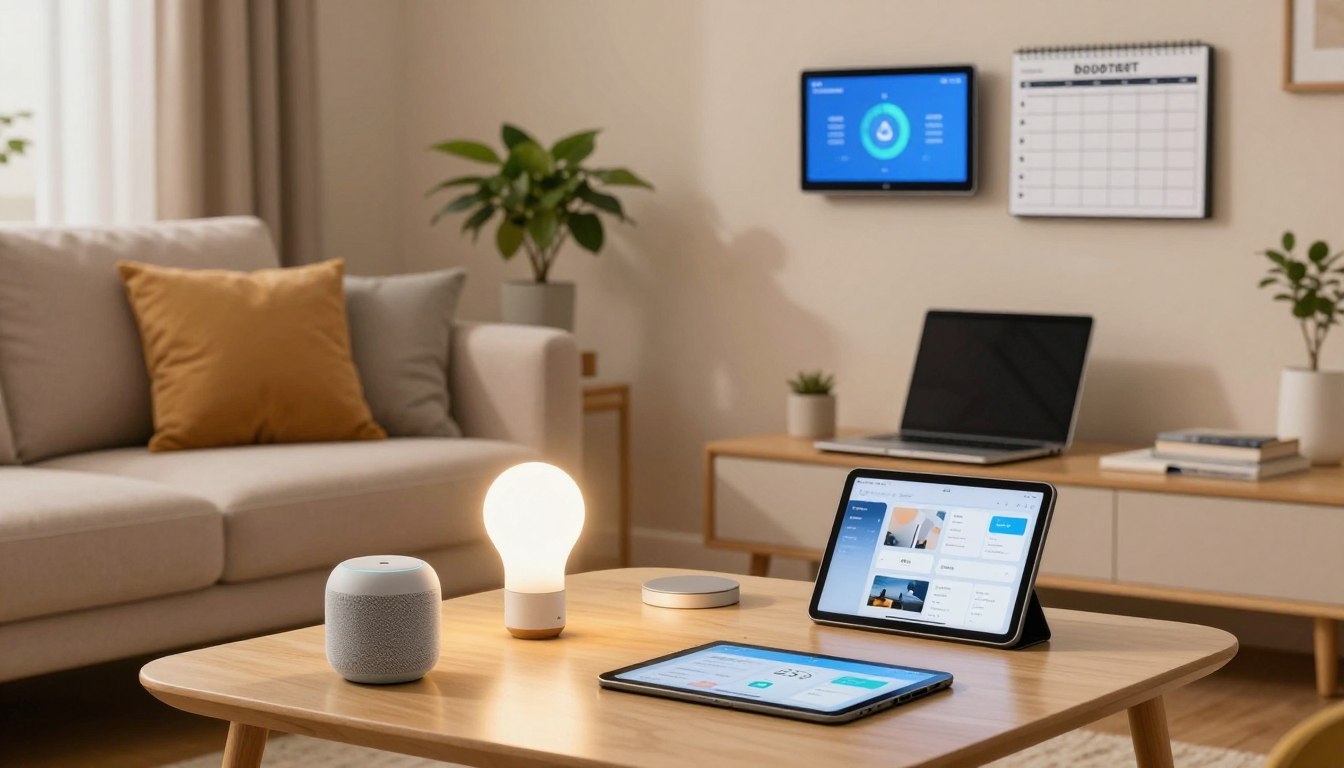
How to Build a Smart Home on a Budget in 7 Easy Steps
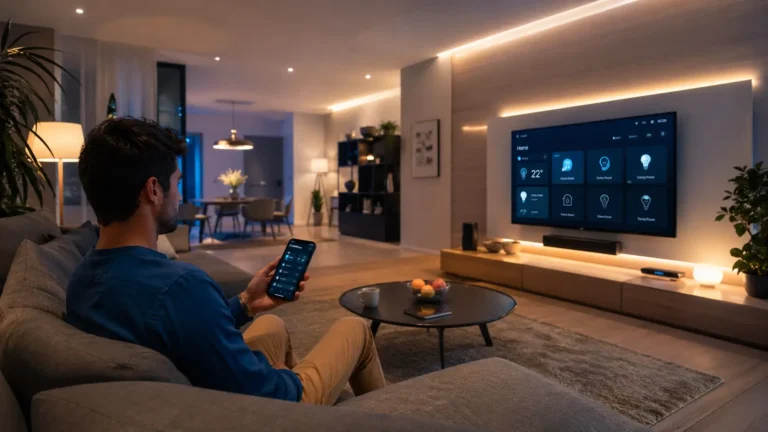
Imagine coming home after a long day and finding your lights adjust to your mood. Your favorite music starts playing. You deserve a living space that works for you, making you comfortable and safe without costing a lot. Advanced automation is no longer just for the rich.
Today, modern technology is truly democratic. You can turn your home into a smart hub by choosing the right parts. Learning how to build a smart home on a budget lets you enjoy top features without spending too much. You can start small and add more as you need it.
By picking key devices, you can create a smart home without breaking the bank. This path to a more efficient life is easier than you think. Let’s look at how to make your home more responsive, safe, and connected today.
Key Takeaways
- Modern automation is now accessible for every homeowner.
- You do not need a large investment to start your journey.
- Focus on essential devices to maximize your initial value.
- Scalability allows you to grow your system over time.
- Intelligent living improves both security and daily efficiency.
Assessing Your Needs and Setting a Realistic Budget
Building a smart home begins with understanding your daily habits. You need to figure out which tasks you do most and where automation can help the most. This way, every device you buy has a clear purpose.
Identifying High-Impact Areas for Automation
To build a smart home without breaking the bank, focus on areas that offer the best value. Lighting, climate control, and security are key for any homeowner.
Automating your lights can save energy and add security when you’re away. Also, controlling your thermostat remotely keeps your home comfortable without wasting energy.
Establishing Your Financial Limits
After picking your target areas, set a strict spending limit. It’s easy to get caught up in fancy gadgets. But, a cost-effective smart home setup needs discipline and planning.
Start with a basic kit for essential lighting and one security camera. Then, add more complex systems later.
Setting your budget early helps you avoid buying unnecessary items. Staying within your limits lets you build a system that grows with your needs.
Choosing the Right Smart Home Ecosystem
Finding the perfect ecosystem is key to a successful and cost-effective smart home setup. This central platform connects all your devices smoothly. Choosing wisely saves you from future problems and keeps your affordable smart home ideas on track.
Comparing Amazon Alexa and Google Home
Amazon Alexa is a top pick for many because of its huge library of compatible devices. It offers a wide range of budget-friendly options, perfect for those on a budget. Alexa routines make it easy to automate tasks with just your voice.
Google Home is a great alternative for those who use Google services a lot. It’s great at understanding natural language, making it feel more natural to talk to your home. Both platforms are great for beginners who want an easy setup without technical hassle.
Evaluating Apple HomeKit for Privacy and Integration
If you’re already in the Apple ecosystem, HomeKit is a standout for privacy and security. Apple keeps your data on your devices, not in the cloud. This gives you peace of mind if you value your privacy.
HomeKit devices might be pricier, but they integrate seamlessly with your iPhone or iPad. You can control your home from your Control Center easily. It’s a premium choice that offers top performance and ease of use.
| Ecosystem | Best For | Privacy Level | Device Variety |
|---|---|---|---|
| Amazon Alexa | Budget Users | Standard | Very High |
| Google Home | Google Users | Standard | High |
| Apple HomeKit | Apple Users | High | Moderate |
Starting with Smart Lighting Solutions
Turning your home into a smart space is easy and rewarding. You don’t need to be an electrician to enjoy a modern home. By starting with your lights, you can add affordable smart home ideas that make any room look better.
Installing Wyze Bulb Color for Affordable Ambiance
The Wyze Bulb Color is perfect for mood lighting on a budget. These bulbs change colors and brightness with your phone. You can create the perfect mood for movies or work with a few taps.
They’re easy to install because they fit in your current light fixtures. After connecting to Wi-Fi, you control your home’s look. This is a simple way to update your bedroom or living area.
Using Kasa Smart Wi-Fi Plugs for Existing Lamps
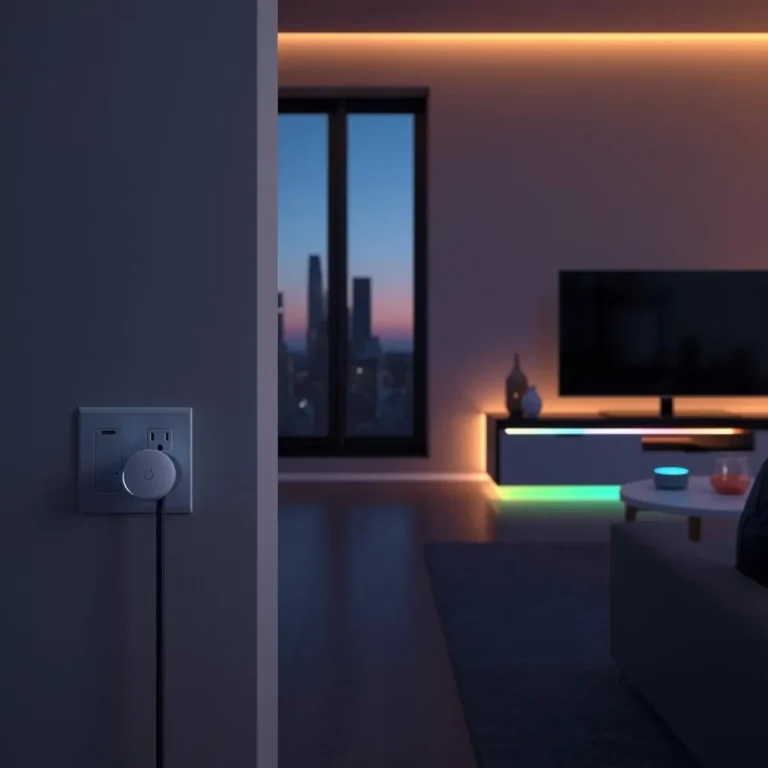
Don’t throw away your favorite lamps. Kasa Smart Wi-Fi plugs make them smart. Plug your lamp into this device and control it from your phone.
This is a key part of a cost-effective smart home setup. Set your lights to turn on when you get home. It’s easy to save energy by turning off lights when you’re out.
Securing Your Home with Budget-Friendly Cameras
If you’re looking for affordable smart home ideas, start with security cameras. You don’t need expensive services or complex systems to keep your home safe. Today’s tech lets you watch over your space without breaking the bank.
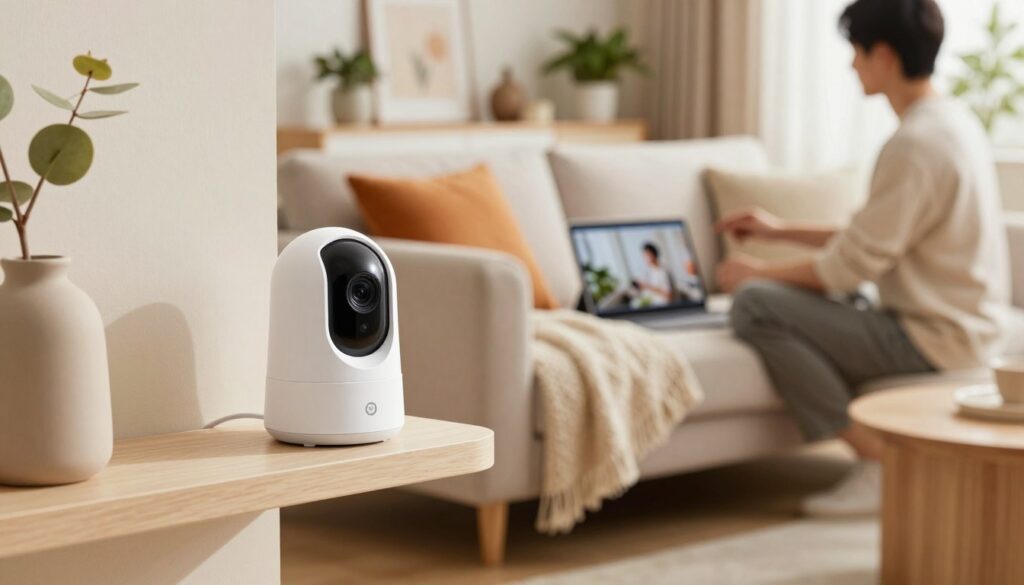
These cameras give you peace of mind by sending alerts to your phone. Whether you’re at work or away, you can see what’s happening at home. This control is key to successful diy smart home projects.
Setting Up Blink Mini for Indoor Monitoring
The Blink Mini is great for watching your living room, nursery, or office. It’s small and easy to place anywhere. Setting it up takes just a few minutes with the app.
After setup, it offers clear video and two-way audio. You can set up motion zones to get alerts only when needed. This keeps your home safe without flooding your notifications.
Utilizing Wyze Cam v3 for Outdoor Security
For outdoor monitoring, the Wyze Cam v3 is a top pick. It’s weather-resistant and has a starlight sensor for clear night vision. This is better than infrared cameras.
When picking cameras, remember these key features:
- Motion Detection: Get alerts right away when something moves.
- Two-Way Audio: Talk to visitors or scare off intruders from afar.
- Local Storage: Use a microSD card to save money on cloud storage.
- Weather Resistance: Make sure your outdoor gear can handle the weather.
Choosing these affordable options lets you control your security data. You avoid long-term contracts and build a strong system to protect your home.
Optimizing Climate Control Without Expensive Thermostats
Improving your HVAC system is key to budget-friendly home automation. By controlling your heating and cooling, you can cut down on your bills. You don’t need to spend a lot to see big savings in your energy use.
Implementing Sensibo Sky for Ductless Systems
If you have ductless mini-split systems, you might feel stuck with basic remotes. The Sensibo Sky turns your unit into a smart device. It connects to Wi-Fi, letting you change temperatures from your phone, anywhere.
Setting up the Sensibo Sky is a simple diy smart home project. You can set schedules for when you’re home or away. It makes your old system work like new.
Managing Energy Usage with Smart Plugs
You don’t need a fancy thermostat for every device. Smart plugs can control portable heaters, air conditioners, or fans. They let you turn things on or off from afar or set timers.
Smart plugs help you see how much energy your devices use. This info shows you which ones cost you more. Using these tools is a smart way to save money without spending a lot.
| Device Type | Primary Benefit | Installation Difficulty | Cost Level |
|---|---|---|---|
| Sensibo Sky | Remote HVAC Control | Low | Moderate |
| Smart Plugs | Energy Monitoring | Very Low | Low |
| Programmable Fans | Air Circulation | Low | Low |
These diy smart home projects show you can be comfy without spending a lot. Start with one room to see how it affects your bills. Watching your energy use can lead to big savings over time.
Automating Home Entry and Security
Turning your entryway into a smart hub is a rewarding DIY project. By swapping out old locks and adding monitoring tools, you get unparalleled control over who enters your home. This move to budget-friendly home automation keeps your home both easy to use and safe.
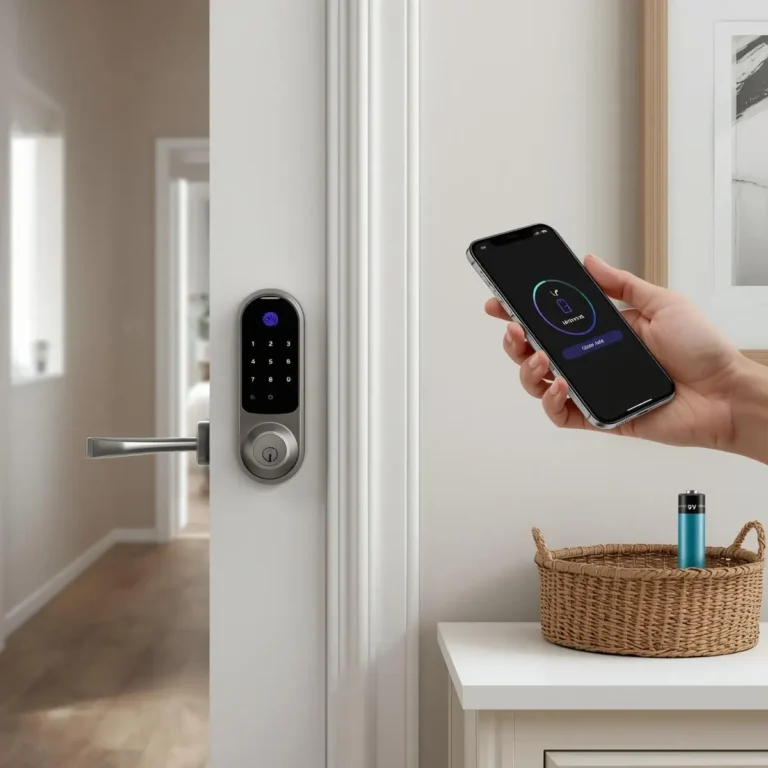
Installing Wyze Lock Bolt for Keyless Entry
The Wyze Lock Bolt is a great way to update your door without changing the whole lock. You can program unique codes for everyone, so you don’t have to deal with lost keys. It offers a seamless entry experience and keeps your home secure.
Setting it up is easy and takes just a few minutes with a screwdriver. After it’s in, you can check who’s coming and going from your phone. This lets you stay peaceful when you’re not home.
Integrating Affordable Door and Window Sensors
Adding contact sensors to doors and windows is a smart move for security. These small devices alert you when someone opens or closes a door or window. They can also automate your lighting, turning on your hallway lights when you arrive.
These sensors are key for any smart home project. They’re reliable and use little power, making them great for the long haul. By adding them, you make your home more responsive to your needs, improving your home automation setup.
Mastering Voice Control and Routine Automation
Automation makes gadgets work together as one smart system. It links your devices for a seamless experience. This makes your life easier, as your tech works for you, not the other way around.
Creating Multi-Device Routines in Alexa
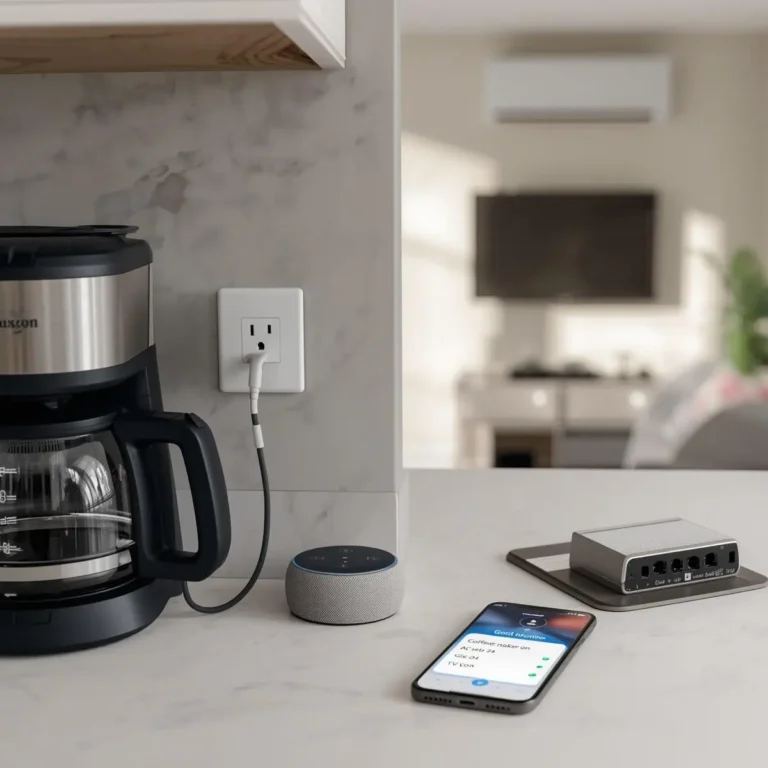
The Alexa app lets you control many actions with one voice command. For example, say “Good Morning” to turn on lights, adjust the thermostat, and start your news briefing. It’s a smart way to get high-end features without spending a lot.
To start, open the “Routines” tab in your Alexa app. Tap the plus icon to make a new routine. Pick a trigger, like a time or voice command. Consistency is key to make these routines a part of your daily life.
Using Google Home Automations for Daily Tasks
Google Home’s “Automations” feature is great for handling complex tasks. It can control your smart plugs, cameras, and lights based on your location or time. It makes your home respond to your needs.
Try setting up an “Away” mode to turn off lights and lower the heat when you leave. Automating these tasks saves you time and energy. Mastering these simple digital workflows boosts the value of your smart home.
How to Build a Smart Home on a Budget Through Strategic Shopping
Shopping smart is key to getting technology for a budget-friendly smart home. Plan your buys to avoid impulse purchases. Learning how to build a smart home on a budget takes patience and a sharp eye for deals.
Leveraging Seasonal Sales and Refurbished Deals
Big sales like Black Friday and Cyber Monday are great for upgrades. Prices drop on hubs, sensors, and cameras during these times. Setting price alerts helps you catch these deals without constant checking.
Look into certified refurbished items from trusted makers. They’re tested to work like new and can save you a lot. You might save thirty to fifty percent and get a warranty.
Avoiding Subscription Fees by Choosing Local Storage
Some smart devices seem cheap but have high monthly fees for cloud storage. Opt for hardware that uses local storage options. Devices with microSD cards save video footage right on the unit.
This way, you control your data and avoid monthly bills. Always check if a camera or hub supports offline storage before buying. Investing in high-quality memory cards is a small cost that saves you money in the long run.
Ensuring Network Stability for Your Smart Devices
Network stability is key for a technology for a budget-friendly smart home. Adding sensors, cameras, and lights to your Wi-Fi can be tough on your router. If your connection drops, your smart home won’t work right.
Reliability is key when you buy smart home devices on a budget. A stable network means your security cameras work well and your smart locks open fast. Taking care of your home network keeps your smart home running smoothly.
Upgrading Your Router for Better Device Capacity
Many routers from internet providers can’t handle today’s smart home needs. Getting a mesh system or a high-capacity router can make a big difference. These devices handle lots of connections without slowing down.
Look for routers that support Wi-Fi 6 for better multiple device connections. A good router stops your smart devices from slowing each other down. This simple change can fix many connection problems.
Managing Bandwidth for Multiple Smart Connections
Even with a strong router, managing bandwidth is important. Make sure your security cameras and smart locks get priority in your router’s settings. This keeps your home security alerts clear, even when you’re streaming.
Assigning static IP addresses to key devices can help too. Keep your router’s firmware up to date for the latest technology for a budget-friendly smart home. By organizing your network, your smart home will work smoothly without interruptions.
Common Pitfalls to Avoid When Scaling Your System
Scaling your smart home setup is more than just buying new gadgets. It’s exciting to add new features, but you must watch how they affect your network. Managing smart home devices on a budget needs a smart plan to keep your system reliable and secure.
Preventing Security Vulnerabilities in Cheap Hardware
Affordable hardware often lacks strong security found in pricier options. Always change the default login credentials when setting up new devices. Using unique, complex passwords helps keep your network safe from unauthorized access.
Also, don’t forget to keep your devices updated with the latest firmware. Manufacturers often release updates to fix security issues. Staying current with these updates is key to protecting your privacy and keeping your data safe.
Avoiding Ecosystem Fragmentation
Buying devices that don’t work well together is a big mistake. Mixing too many brands without a central hub creates a complex system. This can lead to frustration when creating a smart home without breaking the bank.
To avoid this, choose a single primary platform or look for devices that support the Matter standard. This universal protocol makes sure your hardware works together smoothly, no matter the brand. By picking compatible products, you make your automation routines simpler and keep your system easy to manage as it grows.
Conclusion
Building a modern home ecosystem is rewarding. It focuses on your daily convenience, security, and energy efficiency. You can manage your environment with smart home devices on a budget that meet your needs.
Instead of just buying gadgets, solve real problems in your home. This way, every purchase adds real value to your life. You’ll see that making a smart home affordable is possible with careful planning and patience.
Begin by automating one area of your home this week. It could be better lighting or security. Small steps lead to big benefits over time. Enjoy the comfort and control of a connected, automated lifestyle.
Share your smart home journey with others who are interested in affordable devices. Your experiences can help others optimize their spaces. Start your transformation now and enjoy the benefits of a smart home without spending too much.